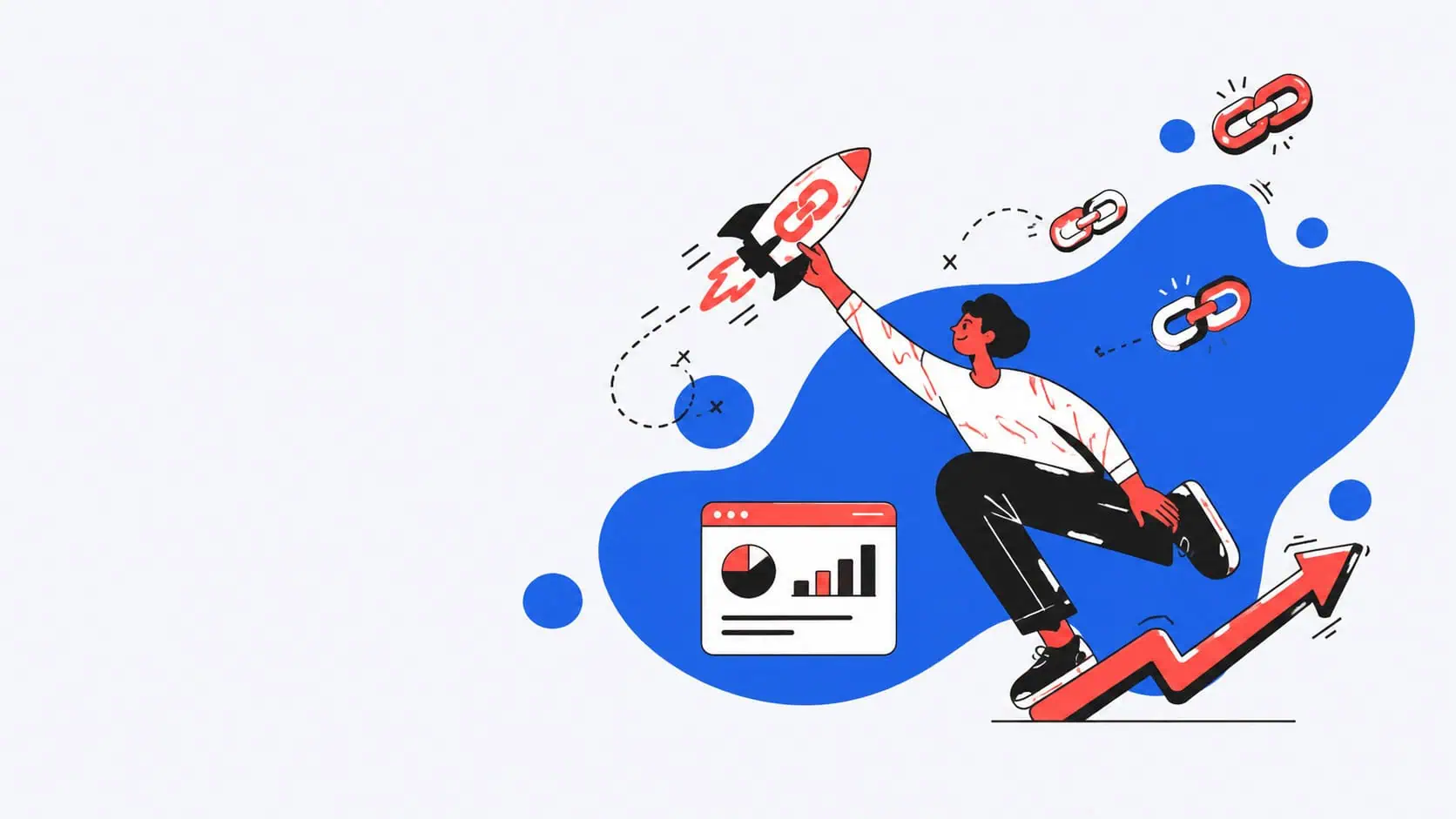

How to track a link depends on what you actually want to measure. If you only need to know which campaign, channel, or newsletter sent traffic to your website, UTM parameters may be enough. If you want direct click tracking for a specific URL, including total clicks, timing, device data, and geographic information, a trackable short link is often the simpler option. And if you control the website where the link appears, tools such as Google Tag Manager can also measure clicks without shortening the link at all.
For most marketers, the strongest setup combines several layers:
Trackable short link + UTM parameters + website analytics + conversion tracking
That way, you can measure the click itself, understand where traffic came from, and see what happened after the visitor reached your landing page.
A platform such as RocketLink adds another layer by letting marketers shorten, brand, organize, and track URLs while also supporting features such as custom domains, analytics, retargeting pixels, UTMs, and QR codes.
Key Takeaways
- You do not always have to shorten a URL to track it.
- A trackable short link records activity at the redirect level, which means you can measure clicks even when you do not control the destination website.
- UTM parameters help analytics platforms understand source, medium, and campaign name; they do not replace click-level tracking.
- Google Tag Manager can track clicks on links and other page elements when you control the site where the click happens.
- The most useful setup often combines a short tracking URL, UTMs, and conversion analytics.
- Branded short links can make campaign URLs easier to recognize and manage than links created with a generic shortener.
- Retargeting pixels can add another marketing layer to shared links when configured in line with privacy, consent, and advertising-platform requirements.
How to Track Links and URLs: Three Main Methods
When someone says they want to track links, they may actually mean one of three different things.
| Method | What it measures | Where you see the data |
|---|---|---|
| Trackable short link | Click activity on a specific link | Link tracking dashboard |
| UTM parameters | Campaign attribution after a visitor reaches your site | Google Analytics or another analytics platform |
| On-page click tracking | Interactions with links or buttons on a site you control | Google Analytics, Google Tag Manager, or another analytics tool |
These systems overlap, but they are not interchangeable.
Understanding the difference is important because the best solution depends on whether you control the original page, the destination page, both, or neither.
For a broader framework, it helps to understand what link management means and how tracking fits alongside branding, organization, destination control, and campaign management.
1. Use a URL Shortener to Create a Tracking Link
A tracking-focused URL shortener places a redirect between the person clicking and the final destination.
The flow looks like this:
Visitor → trackable short URL → tracking redirect → destination page
Because the click passes through that redirect, the link platform can log information about the event before sending the visitor onward.
Depending on the tool and configuration, link tracking analytics may include:
- total clicks,
- unique or estimated unique activity,
- time of click,
- device breakdown,
- browser or operating system information,
- geographic data,
- referrer data where available,
- and campaign-level performance.
This makes a trackable URL particularly useful when the destination is not your website.
For example, you could share:
- a news article,
- marketplace listing,
- YouTube video,
- partner website,
- external report,
- affiliate offer,
- software directory profile,
- or third-party event page.
You may not be able to install your analytics code on those pages, but you can still measure the traffic you send through your own tracking link.
RocketLink has a detailed guide with tips for tracking link performance if you want to build a more structured measurement workflow.
2. Use Tracking Parameters on URLs
UTM parameters are pieces of campaign information appended to the destination URL.
For example:
example.com/demo?utm_source=newsletter&utm_medium=email&utm_campaign=summer_launch
This tells your analytics platform more about how the visitor arrived.
Google explains that UTM campaign parameters added to destination URLs can be used to identify campaigns that refer traffic, with the parameter values appearing in traffic acquisition reporting.
Common parameters include:
utm_sourceutm_mediumutm_campaignutm_contentutm_term
If you want the underlying concepts explained in more detail, see RocketLink’s guide to what a UTM parameter is.
UTMs are especially useful for comparing:
- one newsletter against another,
- paid vs. organic social,
- different partner campaigns,
- multiple ads,
- influencer links,
- email campaigns,
- and different versions of the same CTA.
They help answer:
Where did this traffic come from?
They do not necessarily answer:
How many raw clicks did this specific shared link receive before the destination loaded?
That distinction matters.
Use consistent UTM data
The value of UTMs depends heavily on consistency.
For example, these may accidentally become three separate sources in your reporting:
utm_source=linkedin
utm_source=LinkedIn
utm_source=li
A team managing hundreds of URLs should decide on naming rules before campaigns launch.
RocketLink’s UTM parameter best practice guide covers how to keep source, medium, campaign, and related parameters organized.
3. Use Google Tag Manager for Link Click Tracking
Shortening is not the only way to track clicks.
When you control the website where a link appears, you can use tools such as Google Tag Manager to detect a visitor’s interaction with links, buttons, images, and other elements.
Google Tag Manager includes click triggers specifically designed to fire tags based on click events, including a “Just Links” trigger for HTML links.
This is useful for tracking:
- navigation links,
- outbound links,
- CTA buttons,
- download links,
- phone links,
- affiliate links,
- demo buttons,
- and other on-page actions.
The limitation is control.
You need to be able to configure tracking on the page where the click occurs.
A shortened tracking link works differently because the tracking lives in the redirect rather than in the original webpage.
How a Short Link Tracks Every Click Through a Redirect
Suppose your original web address is:
You create a short URL:
go.example.com/report
When someone clicks the short URL, the link service receives the request first.
It records the event and then redirects the visitor to the long destination.
This means the link goes through a measurement layer before arriving at the destination.
That is why short-link tracking can work across:
- social media,
- SMS,
- messaging apps,
- printed materials,
- QR codes,
- email,
- documents,
- presentations,
- podcasts,
- and external websites.
You do not need analytics installed at the original sharing location.
How to Create a Tracking Link Step by Step
The basic workflow is straightforward.
1. Copy the destination URL
Start with the exact page you want people to visit.
Avoid automatically sending everyone to your homepage.
If you are promoting a webinar, use the webinar registration page.
If you are promoting a product, use the product page.
If you are promoting a lead magnet, use the relevant landing page.
Specific intent deserves a specific destination.
2. Add UTM parameters when attribution matters
Before shortening, decide whether the campaign needs UTM attribution.
A useful setup might look like:
utm_source=linkedin
utm_medium=social
utm_campaign=product_launch
utm_content=founder_post
The UTM data helps your website analytics understand the campaign after the visitor arrives.
3. Paste the long URL into your tracking tool
Open your chosen tracking platform and paste the destination.
A good tool should make it easy to create short links without forcing you to manually manage redirects or tracking code.
4. Configure the short URL
Depending on the platform, you may be able to choose:
- a custom domain,
- custom slug,
- UTMs,
- retargeting pixels,
- link title,
- social preview,
- tags,
- or campaign labels.
When ready, click Create or the equivalent option.
5. Share the link
Use the tracking URL anywhere you would normally share the original.
6. Open the analytics dashboard
As traffic arrives, review the available click analytics.
Look beyond the headline number.
A link with 10,000 clicks is not automatically better than one with 1,000.
You need context.
Create a Tracking System with a Tool and Start Tracking in the Dashboard
The goal is not simply to create a tracking URL every time someone asks for one.
A better system gives each important campaign link a clear purpose.
Record information such as:
- campaign,
- channel,
- destination,
- creator,
- UTM structure,
- date launched,
- audience,
- CTA,
- and expected conversion.
This is especially important for an agency or marketing team creating dozens or hundreds of links.
Without a system, the dashboard quickly fills with names like:
new-link
campaign-final
test2
homepage-new
final-final
Three months later, nobody knows what they were for.
A structured link management workflow makes it easier to find, compare, and reuse campaign assets.
Branded Short Links vs. a Generic URL Shortener Like Bitly
Tools such as Bitly helped make URL shortening familiar to mainstream users.
The basic concept is simple:
long URL → shorter URL
But marketers often need more than basic shortening.
A generic shortener may give you a domain belonging to the provider.
A branded setup can instead use something related to your own company:
go.brand.com/demo
brand.link/report
links.company.com/webinar
That can make the destination easier to recognize.
A branded URL is not automatically more effective simply because it is shorter, but consistent branding can make links feel more intentional—especially in B2B email, sales outreach, social distribution, and offline campaigns.
RocketLink’s guide to using branded links in B2B content distribution explains how teams can structure links by channel and campaign rather than creating random short URLs.
Branded links can build trust
Compare:
bit.ly/4xF91Qp
with:
go.yourbrand.com/report
The second immediately tells the recipient more about who is behind the destination.
That context can help build trust, particularly when a URL appears in:
- cold outreach,
- a newsletter,
- partner content,
- printed collateral,
- or a sales follow-up.
You can also learn how to rename a short link or create a more memorable vanity URL.
Why Every Link Needs a Clear Campaign Purpose
You do not need a separate tracking URL for absolutely every link your company ever shares.
Too many links can create noise.
Instead, create separate links when the distinction will answer a useful marketing question.
For example, imagine one report is promoted through:
- LinkedIn organic,
- paid LinkedIn,
- a customer newsletter,
- partner email,
- sales outreach,
- and a conference QR code.
Creating one measurable link per meaningful channel can help you compare performance across those distribution paths.
Creating 75 nearly identical URLs for every individual post may make reporting harder rather than easier.
Ask:
What decision will this tracking data help us make?
If there is no answer, you may not need another link.
How to Use Tracking Without Shortening a Link
There are several legitimate forms of tracking without a short URL.
Use UTMs
UTMs identify campaign context when the visitor reaches an analytics-enabled destination.
Use on-page events
Google Tag Manager or another analytics implementation can measure a link click on a website you control.
Use server-side data
Website servers and applications can record requests and activity depending on their setup.
Use platform analytics
Email marketing, advertising, CRM, and social platforms may provide their own tracking.
This is why saying “a raw URL cannot be tracked” is too simplistic.
The real question is:
What data do you need, and where do you control the measurement?
When to Shorten a Long URL — and When Not To
A long URL is not inherently bad.
There is no reason to shorten every website link simply because you can.
Shortening becomes useful when you need:
- cleaner sharing,
- centralized click reporting,
- branded URLs,
- editable destinations,
- campaign organization,
- retargeting,
- QR code management,
- or an additional analytics layer.
A shortener can also hide a large UTM string behind a cleaner, more shareable URL.
For a deeper look at what modern shorteners can do beyond reducing character count, see this guide to link shorteners beyond short links.
Create a Tracking Link with UTM Parameters
For many marketing campaigns, the ideal setup uses both technologies.
Imagine you are sending a Black Friday email.
Your tagged destination might be:
store.com/sale?utm_source=newsletter&utm_medium=email&utm_campaign=black_friday
You then shorten it to:
go.store.com/black-friday
Now you have two measurement layers.
Short-link dashboard
This can help measure direct link activity such as including total clicks, device information, timing, and other available data.
Website analytics
Google Analytics can read the UTM parameters and associate visits with the relevant source, medium, and specific campaign. Google’s documentation confirms that campaign parameters passed in URLs can populate traffic-source reporting.
Add ecommerce or lead tracking and you can then connect traffic with actual outcomes.
That brings you closer to measuring:
Click → session → lead → customer → revenue
rather than stopping at:
Click
Link Tracking Analytics vs. Conversion Tracking
A click is not a conversion.
That distinction is crucial for every marketer.
Imagine two links:
Link A
- 5,000 clicks
- 20 leads
Link B
- 1,000 clicks
- 100 leads
Link A generated more attention.
Link B generated a much higher conversion rate.
If you only measure click volume, you might optimize the wrong campaign.
Click tracking asks:
- Did someone click?
- When?
- From what device?
- From which broad location?
- Through which tracking link?
Conversion tracking asks:
- Did they sign up?
- Buy?
- Book a demo?
- Start a trial?
- Submit a form?
- Become a qualified opportunity?
The strongest reporting connects link click tracking with downstream CRM and revenue data.
That is how link reporting becomes useful for ROI rather than just producing interesting numbers.
How Detailed Link Tracking Analytics Help You Understand Every Click
Good analytics should help you ask better questions.
For example:
Device breakdown
Are most visitors on mobile?
If 85% of traffic is mobile but your landing page is difficult to use on a phone, the problem may not be the campaign.
Geographic data
Where is interest coming from?
Geo information can help identify unexpected demand or reveal that a campaign is attracting clicks outside the intended market.
Be careful not to interpret location data as perfect identification of a person. IP-derived or platform-derived location can be approximate.
Referrer data
Where available, referrer data can provide context about the page or source that preceded a visit.
However, referrer information is not always complete. Browser privacy controls, apps, redirects, HTTPS behavior, and platform policies can affect what is available.
Timing
When do people click?
Timing can reveal patterns around:
- newsletter sends,
- product launches,
- social posting schedules,
- live events,
- or paid campaign bursts.
This is where real-time analytics or near-real-time reporting can be useful.
A real-time link dashboard can help a team spot activity while a campaign is running rather than waiting until the end.
Can You See Who Specifically Clicked Your Link?
Usually, not by name.
This is an important distinction.
A link tracking system may record information associated with every click, such as:
- timestamp,
- device,
- browser,
- approximate location,
- referrer,
- and other technical metadata.
That does not automatically reveal:
“John Smith from Company X clicked at 3:04 PM.”
There are situations where link activity can be connected with a known contact through authenticated systems, CRM workflows, unique email links, first-party tracking, or other setups.
But standard short-link analytics alone should not be described as a list of identified people.
RocketLink explains this distinction in its guide on whether you can see who clicks your link.
Using Link Retargeting as an Analytics Layer on Top
Click measurement is only one possible use of a tracking link.
Some platforms allow you to attach advertising or retargeting pixels to supported redirect workflows.
This creates another marketing layer.
Someone clicks a link to:
- an industry article,
- partner page,
- media mention,
- YouTube content,
- marketplace listing,
- or third-party resource.
The destination may not belong to you.
But your tracking setup may still allow you to build an advertising audience around the interaction, depending on the technology, user consent, privacy requirements, browser restrictions, and ad-platform rules.
RocketLink currently describes support for retargeting pixels and custom audiences as part of its link-management functionality.
Think of this as analytics on top of distribution—not as a guaranteed way to identify every individual visitor.
Tracking Links Across Every Channel
A tracking strategy becomes much more valuable when it is consistent across every channel.
Do not build one naming system for social, another for email, and a third for sales.
Create one framework.
Email Campaigns and Newsletter Tracking
Email platforms often provide their own click reporting.
A dedicated tracking link can still be useful when you need to compare activity outside the email platform or create consistent measurement across several tools.
For example:
go.brand.com/report-newsletter
could represent your newsletter distribution, while:
go.brand.com/report-sales
could represent sales outreach.
Both may lead to the same report.
Now you can compare the two distribution routes directly.
A broader guide to link shorteners and tracking tools in SaaS marketing covers applications across email, social, and other channels.
Watch for spam filters
Do not assume shortening every email link will improve deliverability.
Some spam filters may treat unfamiliar or abused shortener domains with suspicion.
That is one reason a custom domain can be preferable to a random generic shortener in professional email campaigns.
Always test important emails before a large send.
Social Media Links
Use separate links when the distinction matters.
For example:
go.brand.com/report-linkedin
go.brand.com/report-x
go.brand.com/report-facebook
That can help show how links perform across different channels.
UTMs can add more detail:
utm_source=linkedin
utm_medium=organic_social
utm_campaign=annual_report
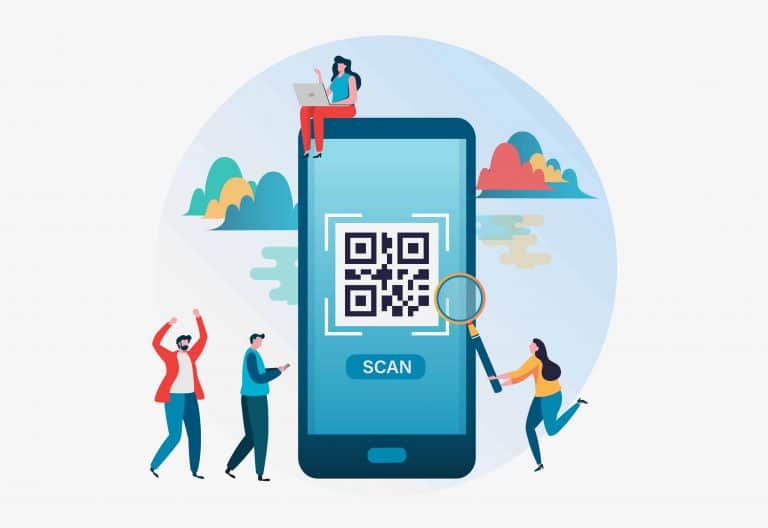
QR Codes and Offline Campaigns
A QR code is essentially another way to open a URL.
Instead of tapping, the person scans.
If the QR code points to a trackable redirect, you can measure activity using a similar framework to digital clicks.
That makes tracking useful for:
- brochures,
- posters,
- direct mail,
- packaging,
- event booths,
- restaurant materials,
- business cards,
- presentations,
- and outdoor advertising.
RocketLink’s guide to using QR codes in marketing covers how QR destinations can connect offline activity with digital measurement.
Affiliate Links
Affiliate marketers need accurate tracking because clicks ultimately connect to commissions and revenue.
A tracking layer can help compare:
- traffic source,
- content placement,
- campaign,
- CTA,
- and click volume.
But never modify affiliate links in a way that violates the affiliate network’s terms or breaks attribution.
RocketLink has a separate guide on optimizing affiliate links for conversions.
Using Link Data with a CRM
Link clicks become more useful when they are connected with the rest of your funnel.
Suppose a campaign generates:
- 2,500 clicks,
- 300 signups,
- 80 qualified leads,
- 20 demos,
- 8 customers.
A short-link dashboard tells you about the top of that journey.
Your analytics and CRM tell you what happened afterward.
Combine them and you can evaluate:
- cost per click,
- lead conversion,
- pipeline generated,
- customer acquisition,
- and ROI.
This is more valuable than optimizing marketing campaigns for the largest click count.
How to Use Tracking Links Across Multiple Campaigns
Do not reuse one universal tracking link for everything.
Imagine the same URL appears in:
- a newsletter,
- LinkedIn post,
- sales sequence,
- conference slide,
- paid ad,
- partner promotion.
If all six use exactly the same tracking link with no additional attribution, your dashboard may show 10,000 clicks—but you will not know which activity caused them.
Create links by meaningful distribution context.
For example:
go.brand.com/report-email
go.brand.com/report-social
go.brand.com/report-sales
go.brand.com/report-partner
You can still point all of them to the same destination.
This gives you cleaner attribution using link data without creating hundreds of unnecessary variations.
Free URL Tracking vs. Paid Tools
There are free ways to track links.
But “free” can mean several different things.
Google Analytics
Google Analytics can help you analyze campaign traffic and is available without paying for a standard account. UTMs can supply campaign information to it.
Google Tag Manager
GTM can trigger tracking based on link clicks on pages where you control the implementation.
Free URL shorteners
Some tools offer a free URL shortening tier or limited free account.
What a free plan includes varies significantly.
You may get:
- a limited number of links,
- basic click counts,
- limited history,
- restricted custom domains,
- fewer analytics features,
- or branding from the provider.
Before choosing a service, check:
- how many links per month you can create,
- whether clicks per month are capped,
- how long analytics history is stored,
- whether custom domains are included,
- whether detailed analytics including location are available,
- whether exports are supported,
- whether retargeting is included,
- and whether a credit card required condition applies to a trial.
Do not choose based only on whether the first screen says “free.”
Look at what you actually need six months from now.
Paid Tracking Tools: When They Make Sense
A paid platform becomes more useful when link data affects real marketing decisions.
That may include teams running:
- paid acquisition,
- content distribution,
- affiliate programs,
- large newsletters,
- SaaS campaigns,
- agency client work,
- influencer marketing,
- multichannel product launches,
- or offline campaigns.
You are usually paying for more than shortening.
You may be paying for:
- better organization,
- branding,
- custom domains,
- detailed analytics,
- retargeting integrations,
- larger link volumes,
- team workflows,
- reporting,
- and destination control.
RocketLink’s current pricing page lists paid tiers with click analytics, custom domains, pixels, and different numbers of new links per month, alongside a 10-day free trial.
You can review the current RocketLink plans for exact limits and features.
Start Tracking the Metrics That Actually Matter
Do not measure something simply because a dashboard makes it easy.
Start with the decision.
If your question is:
Which channel sends the most traffic?
Use channel-specific links and UTMs.
If your question is:
Which email CTA gets clicked more?
Use separate tracking links or your email platform’s click analytics.
If your question is:
Which campaign generates customers?
Connect UTMs and link data with conversion tracking and your CRM.
If your question is:
Which print placement generates scans?
Use a different trackable QR destination for each meaningful placement.
If your question is:
Which external content attracts the right audience?
Use trackable links and compare performance, then evaluate what visitors do later.
Good tracking starts with a question, not a dashboard.
Create Tracking Rules Before Your Team Creates Hundreds of Links
A simple naming convention prevents major reporting problems later.
For example:
Campaign: q3-report
Channel: linkedin
Audience: founders
Your short link might become:
go.brand.com/q3-report-founders
Your UTMs might use:
utm_source=linkedin
utm_medium=organic_social
utm_campaign=q3_report
utm_content=founders
Now anyone on the team can understand the link.
You do not need extra setup every time someone launches a campaign because the rules are already defined.
A Simple Workflow for Tracking Links and URLs
For most professional marketing teams, a practical workflow looks like this:
Step 1
Choose the final destination.
Step 2
Define the specific campaign and channel.
Step 3
Add consistent UTMs when website attribution matters.
Step 4
Create a tracking URL.
Step 5
Use a branded custom domain when appropriate.
Step 6
Share the URL in the intended channel.
Step 7
Monitor click analytics.
Step 8
Compare click data with website conversions and CRM outcomes.
Step 9
Document what worked.
This creates one measurement chain:
Distribution → click → visit → conversion → revenue
Frequently Asked Questions About Tracking Links and URLs
Can I track a link without shortening it?
Yes.
You can use website analytics, Google Tag Manager, UTMs, server-side tracking, or platform-specific analytics depending on what you control and what you want to measure.
A shortener is useful when you want a dedicated tracking redirect or need measurement that travels with the shared URL.
Is there a free way to track link clicks?
Yes.
Google Analytics and Google Tag Manager can support several free tracking use cases, and some URL-shortening platforms have free or limited tiers.
However, advanced features vary.
Always check what the free plan includes rather than assuming all click data is included.
What is the difference between a URL shortener and a tracking link?
A basic shortener primarily converts a long URL into a shorter one.
A tracking link adds a measurement layer.
Many modern link-management tools do both.
Do UTM parameters track every click?
No.
UTMs pass campaign information through the URL so an analytics platform can categorize traffic.
They should not be treated as a direct replacement for redirect-level click tracking.
Can I see who clicked my link?
Usually not by personal identity from a standard short link alone.
You may see technical or aggregate data about the click, but that is different from knowing the person’s name, email address, or social profile.
Can I track links to websites I do not own?
Yes, using a trackable redirect.
That is one of the biggest advantages of link-level tracking.
You may not be able to measure everything a person does after reaching the third-party destination, but you can measure activity on the tracking link itself.
Can a link support retargeting?
A link supports retargeting when the link-management platform and redirect setup are designed to work with compatible pixels or scripts.
The exact behavior depends on the platform, browser environment, consent requirements, and advertising system.
Does link shortening hurt attribution?
It depends on the setup.
Redirect chains can sometimes affect referral or campaign information if parameters are dropped or redirects are configured incorrectly.
Always test your final destination and confirm that UTMs survive the redirect before launching a major campaign.
Should I track every single link?
No.
Track links when the resulting data helps answer a business question.
Creating unnecessary links can fragment reporting.
Is Bitly the only URL shortener?
No.
Bitly is one well-known provider, but there are many URL-shortening and link-management platforms with different focuses, including branding, analytics, retargeting, QR codes, team management, and campaign attribution.
What is the difference between click analytics and web analytics?
Click analytics focus on the link interaction.
Web analytics focus more broadly on what happens on the destination website or app.
Using both gives you a more complete picture.
Final Thoughts: Measure Performance Across Every Channel
Learning how to track a link is not really about finding one magic tracking method.
It is about choosing the right measurement layer for the question you need to answer.
Use UTMs when you need campaign attribution.
Use Google Tag Manager when you need on-page interaction tracking on a site you control.
Use a trackable redirect when you want measurement attached directly to the shared URL.
Use conversion analytics and your CRM when you need to understand revenue.
And combine them when the campaign matters enough to justify deeper measurement.
For a small campaign, basic tracking may be enough.
For a marketing team managing hundreds of URLs across paid media, email, content, social, sales, affiliates, QR codes, and partners, link tracking becomes part of a broader operational system.
The goal is not simply to collect more data.
It is to know which links, campaigns, channels, and messages actually move people toward the outcome your business cares about.
That is how you turn tracking links and URLs from a click counter into a measurable marketing system—and understand performance across every channel.